
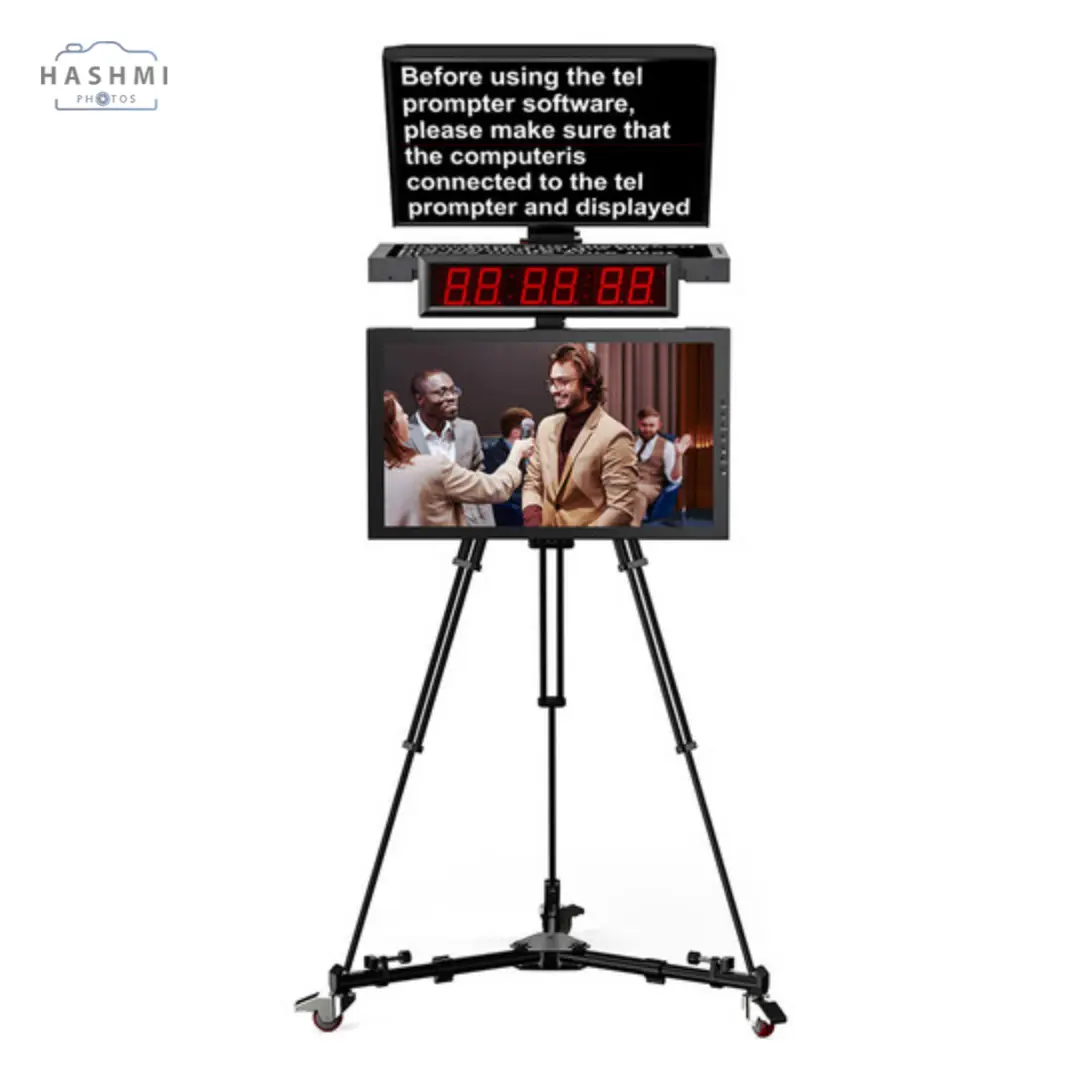
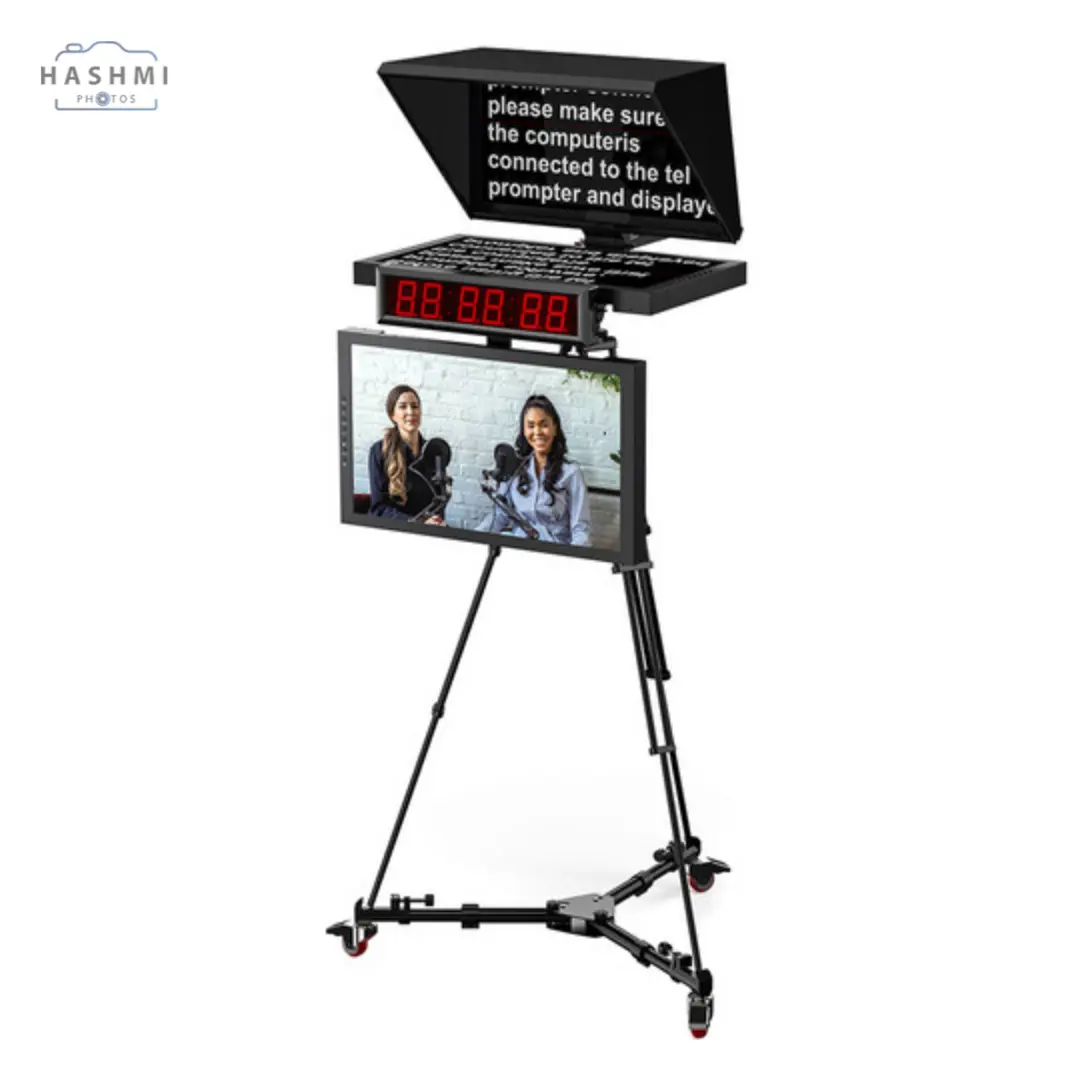
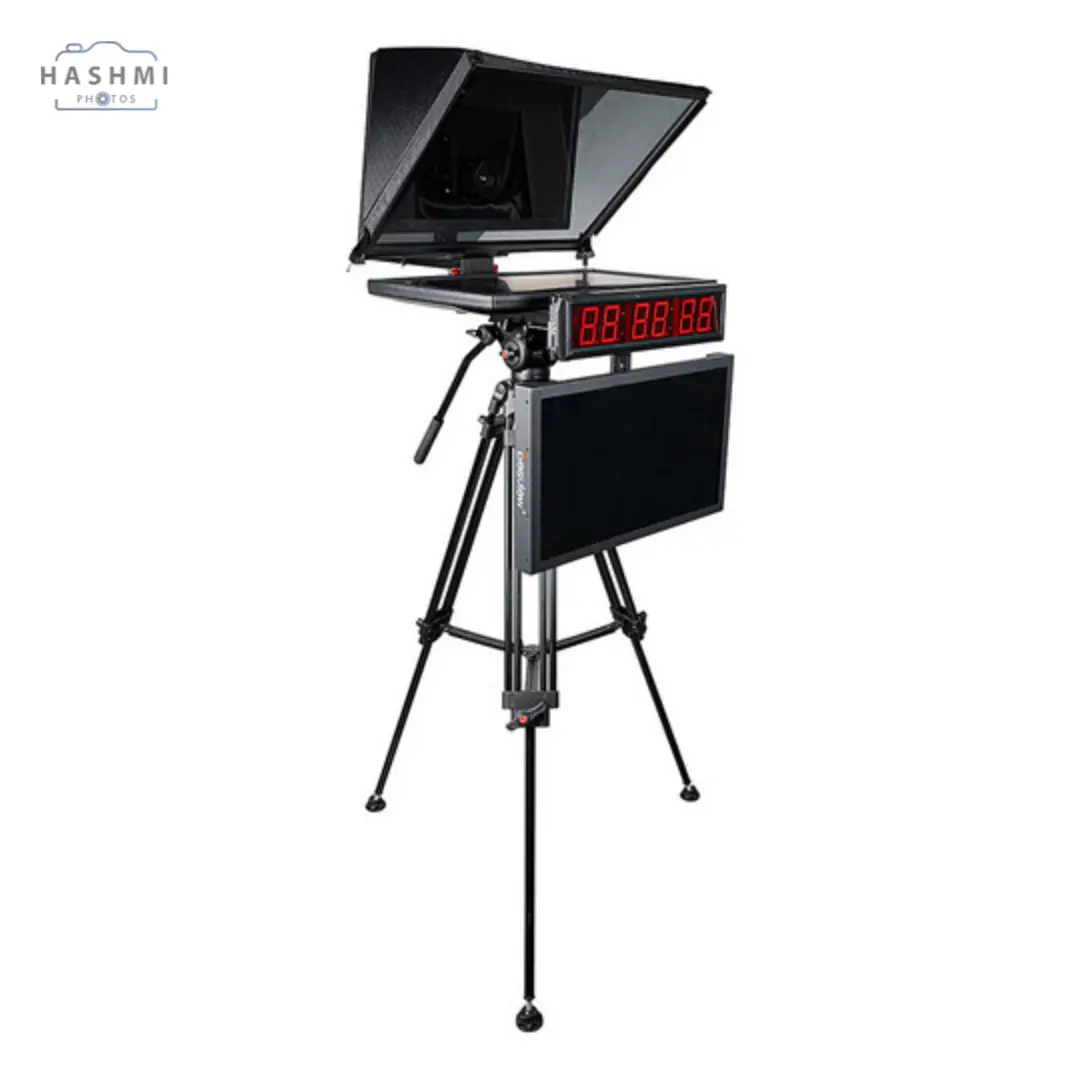
Desview 21.5″ Teleprompter
Call for price
21.5″ Monitor
High-Quality Beam Splitter Mirror
Compatible with DSLRs, Camcorders
Teleprompter Software Compatibility
Sturdy Construction
Adjustable Height and Angle
Remote Control
Cue Light
Reduces Glare
Portable Design
Related Products
Desview Teleprompter Overview
The Basics of Teleprompter Setup
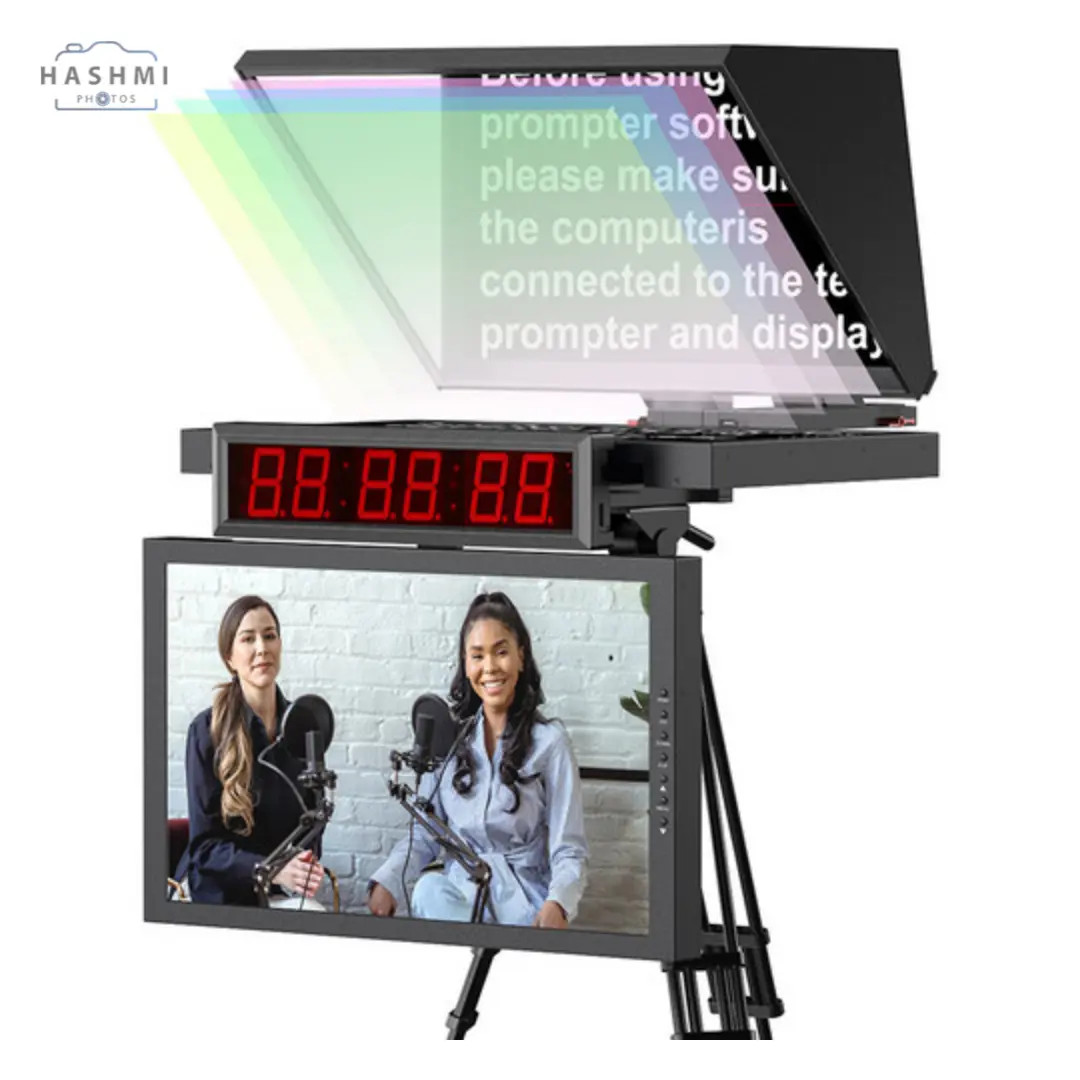
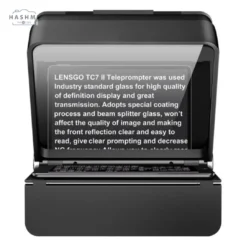
A desview teleprompter system comprises three essential components: a camera, a mirror, and a monitor. The mirror, also known as a beam splitter, is a reflective piece of glass positioned directly in front of the camera lens. Underneath this mirror, the monitor displays a scrolling script. The script’s reflection is visible on the mirror, allowing presenters to read it while appearing to make direct eye contact with the camera and, consequently, the audience. This clever setup removes the need for memorizing scripts or using cue cards, enabling seamless delivery. The beam splitter mirror is crucial for maintaining this functionality without obstructing the camera’s view.
How the Camera and Mirror Work Together
You may wonder how the camera captures video if a mirror blocks its path. The answer lies in the specialized design of the beam splitter mirror. It is a partially transparent, high-grade glass similar to a two-way mirror but significantly more advanced. This allows the mirror to reflect the script’s text on one side while letting the camera shoot through it without picking up the reflected image. High-quality mirrors are essential for achieving crystal-clear video, even at 4K or higher resolutions, as they are crafted from pure optical-grade glass with superior coatings. Cheaper alternatives lack these refinements and may degrade video quality.
The Role of Monitors and Desview Teleprompter Software
A teleprompter’s monitor is another critical component, paired with teleprompting software. Typically, the script is created in applications such as Microsoft Word, imported into the teleprompter software, and transferred to the monitor via a cable—often a VGA connection. The text on the monitor needs to appear reversed so that the reflection on the mirror displays in the correct orientation. The software generally handles this reversal, though some advanced monitors can manage it independently. A teleprompter’s monitor usually features a dark background with bright white text to ensure visibility.
Teleprompter Usage Across Industries
Teleprompters are indispensable in industries where scripted presentations are commonplace. News anchors, politicians, award show hosts, and even YouTubers rely on teleprompters. For example, Presidents delivering speeches on live television often use teleprompters to maintain uninterrupted eye contact with the audience. Their utility has expanded further as content creators embrace teleprompters to easily deliver polished presentations.
Presenter and Operator Workflow
Teleprompting sessions typically involve two participants: the presenter and the operator. While the presenter delivers the content, the operator uses a computer to control the script’s scrolling speed, ensuring it aligns perfectly with the presenter’s pace. For instance, during applause or pauses in the presentation, the operator can stop and resume the script as needed. Operators may also edit the script in real time, especially in dynamic scenarios. For high-profile clients such as CEOs and politicians, companies offer professional desview teleprompter operation services, managing everything from script control to moving the desview teleprompter for a smooth “walk-and-talk” delivery.
Single-user setups are also possible, particularly in recorded sessions without a live audience. Presenters can select a preset scrolling speed or use remote controls, though such methods are unsuitable for live performances.
Exploring Different Types of Teleprompters
While the standard teleprompter setup is the most common, alternative types like mobile and presidential teleprompters cater to specific needs:
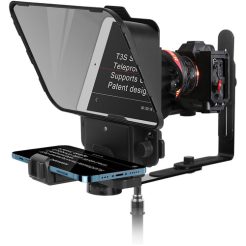
- Mobile Teleprompters: Compact and portable, these teleprompters replace monitors with smartphones or tablets. Users simply download prompting apps, prepare their scripts, and display them directly on their devices. Mobile teleprompters are cost-effective and ideal for beginner YouTubers and small-scale productions. Many models fold up for easy transport and feature Bluetooth-enabled remote controls.
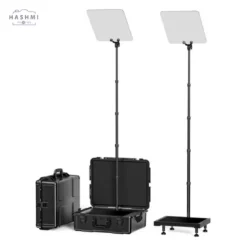
- Presidential Teleprompters: Commonly seen during political speeches, these systems feature mirrors mounted on stands, with monitors positioned at the bottom. Two prompters are often used simultaneously to address audiences on both sides of a stage. Unlike standard prompters, presidential models aim to give the impression of direct eye contact with the audience rather than the camera.
Mounting Options for Teleprompters
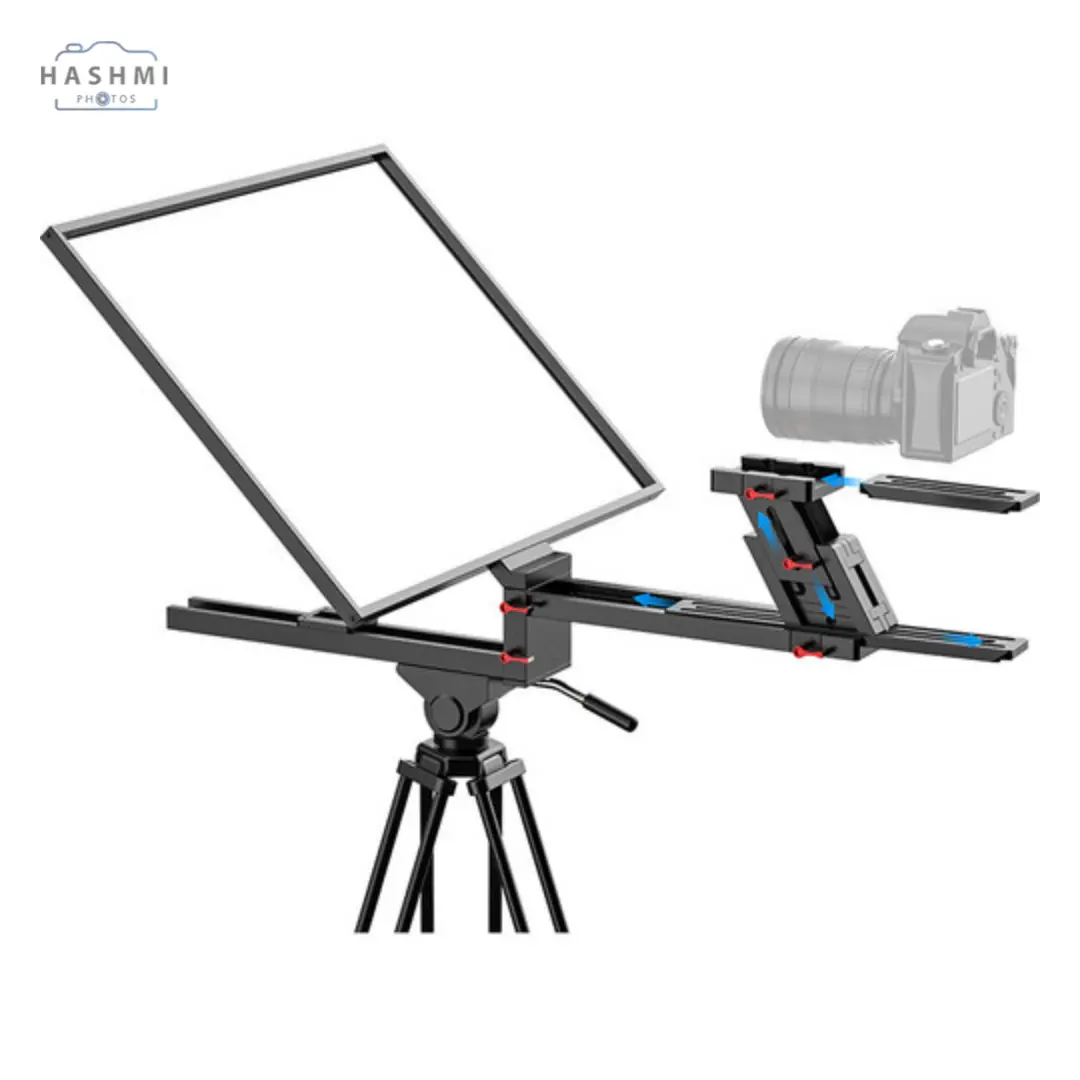
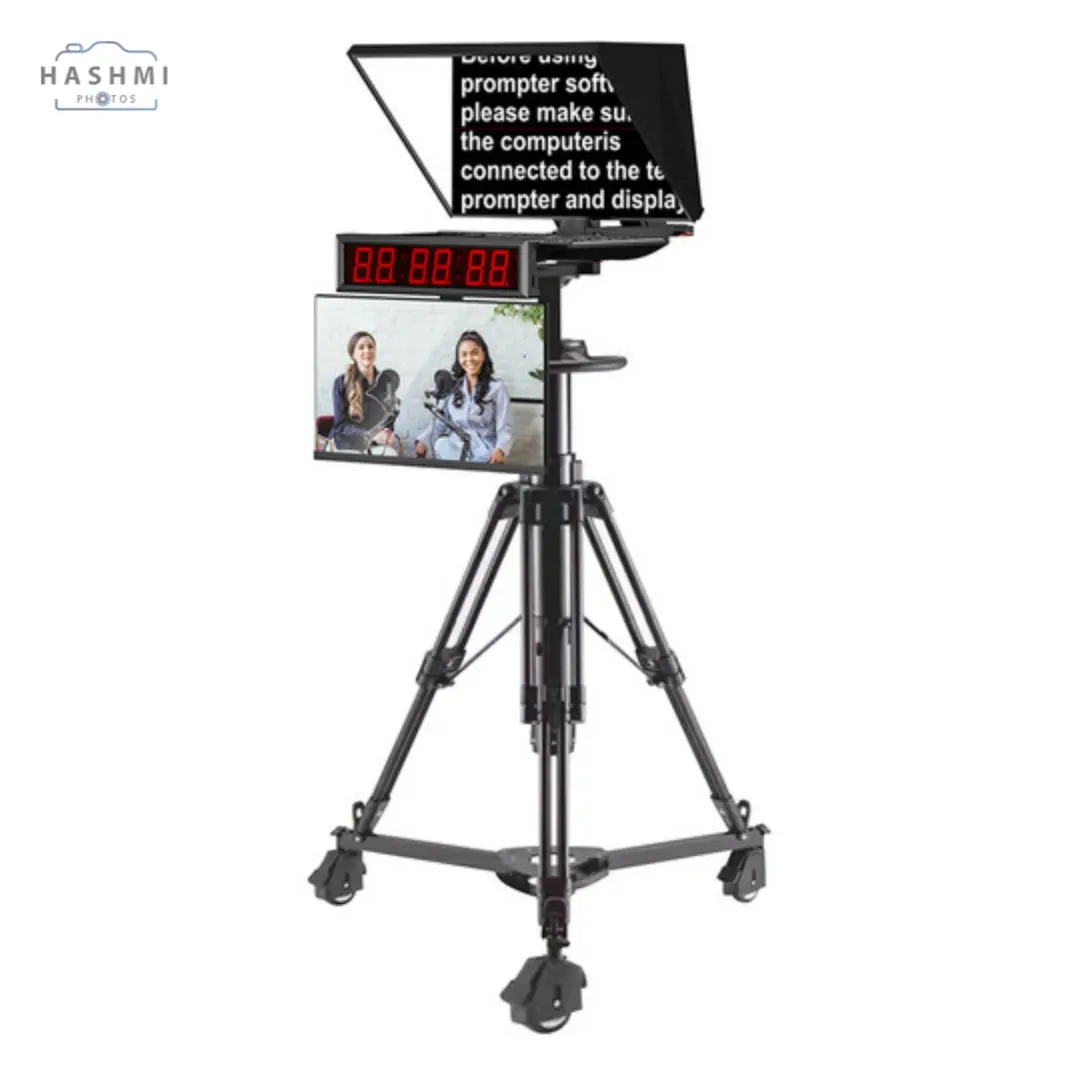
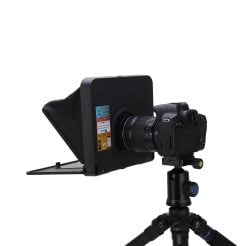
Most teleprompters are mounted on tripods, which provide platforms for the camera, mirror, and monitor. Larger setups, especially those in news studios, use heavy-duty pedestals for greater stability and live adjustability. Mobile teleprompters often attach directly to the camera lens, simplifying setup and minimizing additional gear. In contrast, presidential teleprompters use custom stands designed to accommodate the unique placement of their components.
Key Considerations When Choosing Teleprompters
- Size: Teleprompters come in various sizes, with monitors ranging from 15 to 24 inches. The size also correlates to the mirror’s dimensions, ensuring it fully reflects the screen.
- Reading Range: The maximum distance from which a presenter can read text depends on font size (typically 50-80) and assumes normal or corrected vision.
- Power: Only the monitor requires external power, with mobile setups often drawing power directly from smartphones or tablets.
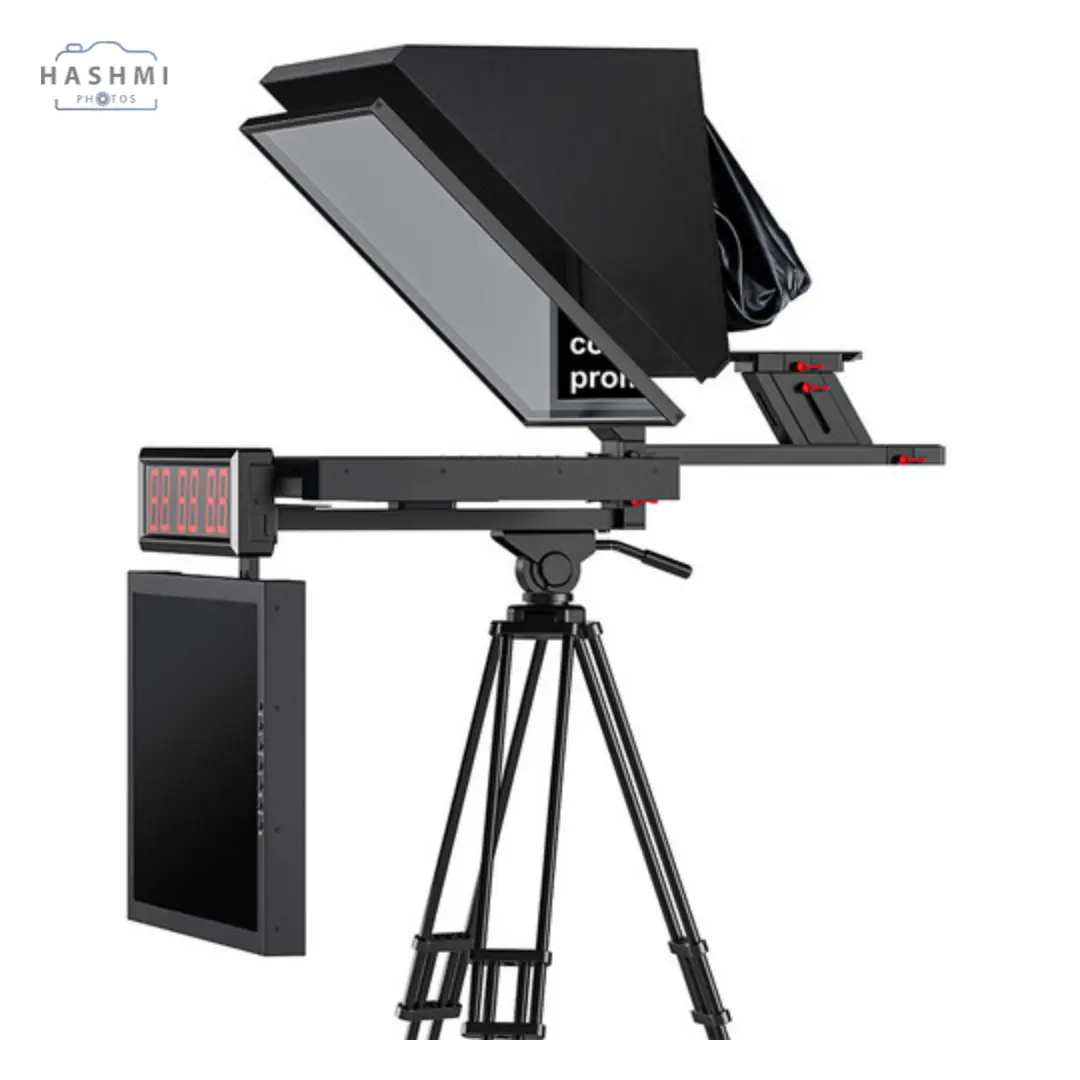
- Hood and Shroud: Most teleprompters include a hood around the mirror for easier reading and a shroud to block stray light and ensure video quality.
- Additional Features: Some professional teleprompters feature cue lights to signal when to begin reading.
A Brief History of Teleprompters
Teleprompters date back to the late 1940s, credited to Hubert Schlafly, Irving Kahn, and Fred Barton Jr. Early models used motorized scrolls with paper scripts, but the concept quickly gained traction in the entertainment industry and beyond. Over time, innovations such as the beam splitter mirror transformed teleprompters into indispensable tools for public speaking and broadcasting. Today, they continue to evolve, accommodating both large-scale productions and individual creators.
FAQs For Desview Teleprompter with 21.5″ Monitor
1. What is the purpose of a desview teleprompter?
A teleprompter helps presenters read scripts while maintaining direct eye contact with the audience or camera. It eliminates the need for memorization or using visible cue cards, ensuring a natural and professional delivery.
2. Can any camera work with a teleprompter?
Most cameras, including DSLRs, camcorders, and professional broadcast cameras, can be paired with a teleprompter. However, ensure the teleprompter’s mounting system and mirror size are compatible with your camera.
3. What is a beam splitter mirror?
A beam splitter mirror is a specially designed glass used in teleprompters. It reflects the text for the presenter to read while allowing the camera to see through it without capturing the reflected text.
4. Do I need special software to use a teleprompter?
Yes, teleprompting software is necessary to display and control the script on the monitor. Many options are available, ranging from free mobile apps to professional-grade desktop applications.
5. Are teleprompters only for professional settings?
No, teleprompters are used by individuals, small content creators, and large productions alike. Affordable mobile options make them accessible for YouTubers and small-scale projects.
6. How do I choose the right teleprompter?
Consider factors such as mirror quality, monitor size, portability, and your specific use case—whether for live events, studio recordings, or personal content creation. Reading range and compatibility with your camera are also critical.
7. Are teleprompters difficult to set up?
Setting up a teleprompter is straightforward with practice. Most models come with detailed instructions, and mobile teleprompters are especially user-friendly.
8. Can teleprompters be used outdoors?
Yes, but outdoor use may require adjustments to minimize glare on the mirror. Professional teleprompters often include hoods and shrouds to enhance readability in bright conditions.
Specification: Desview 21.5″ Teleprompter
|


There are no reviews yet.