
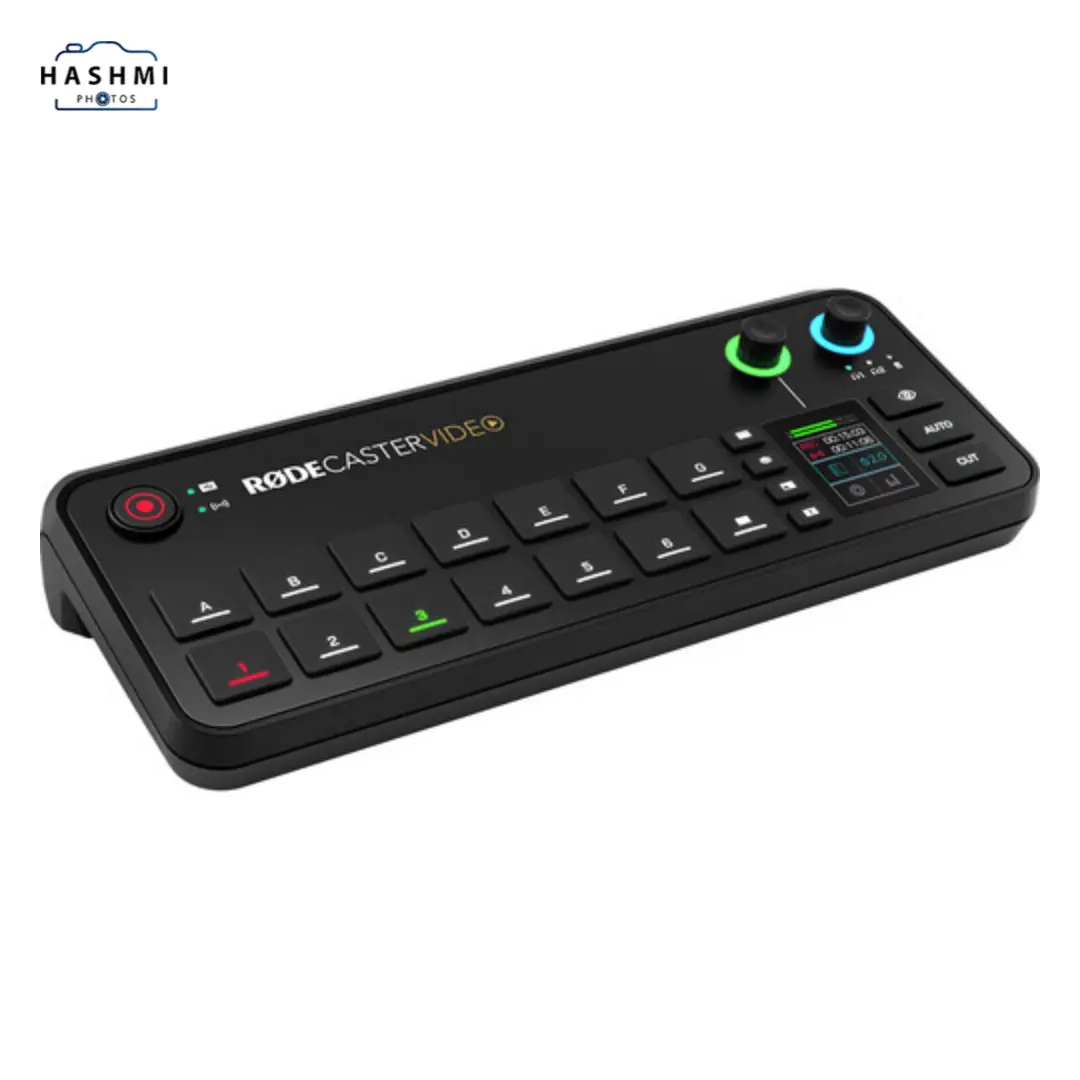
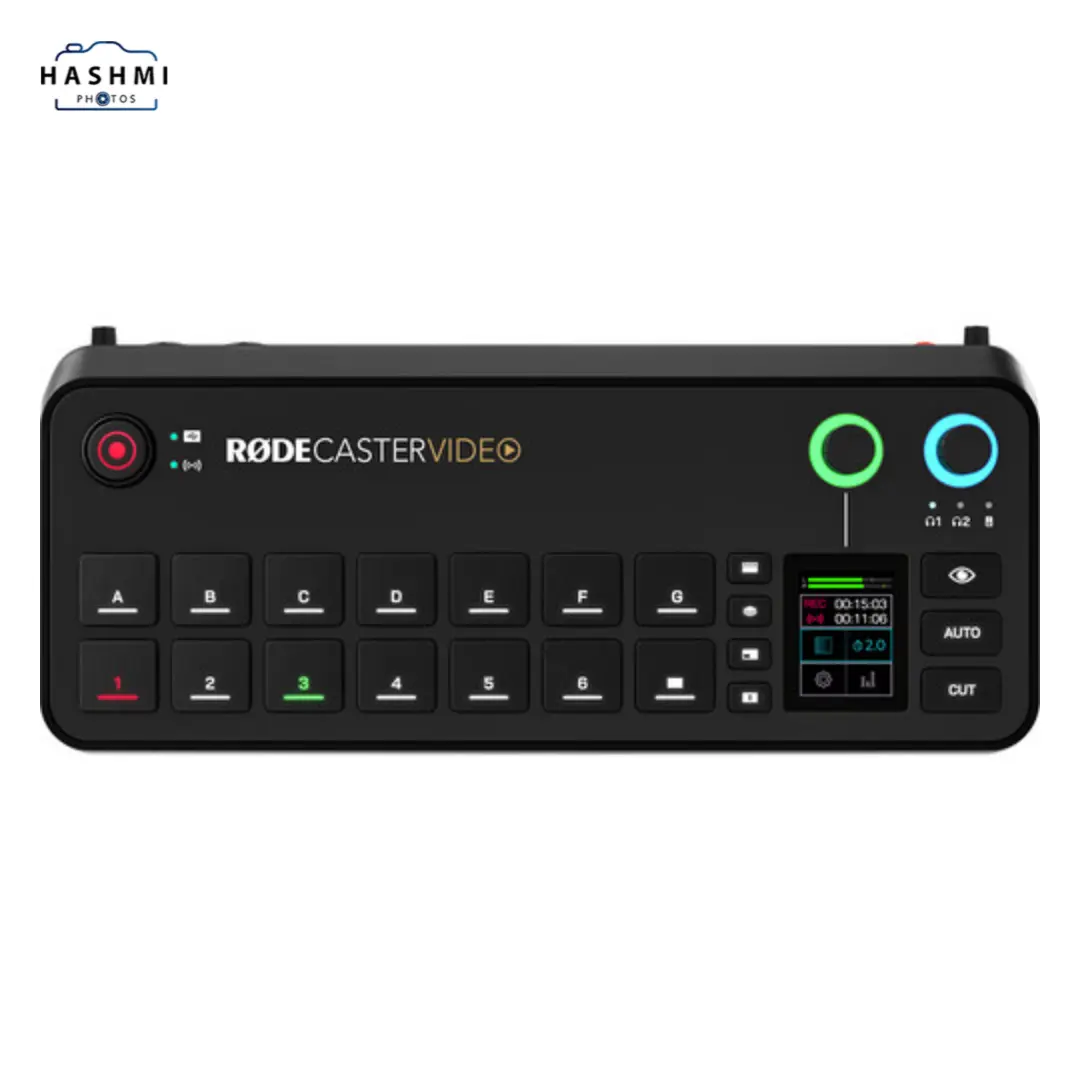
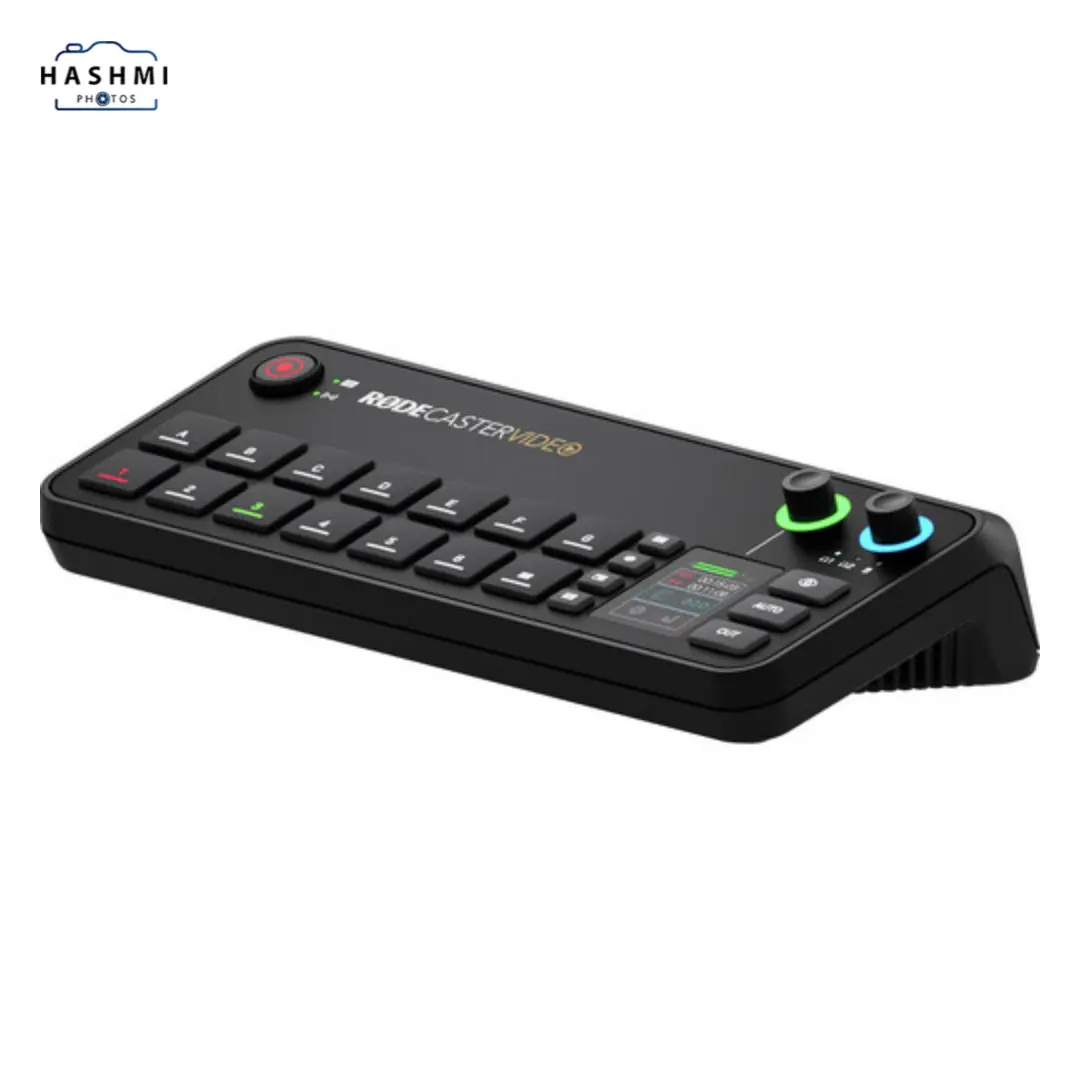

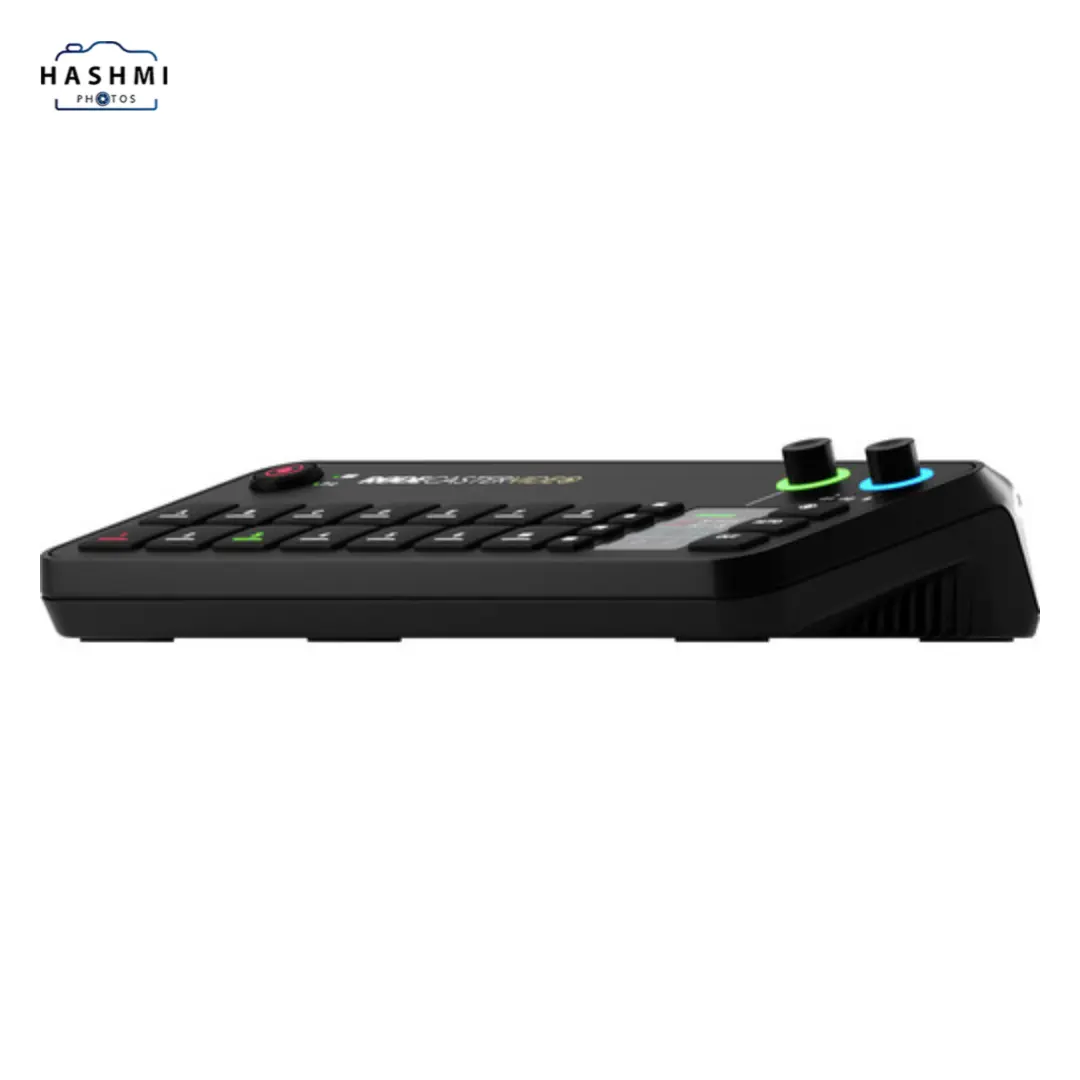
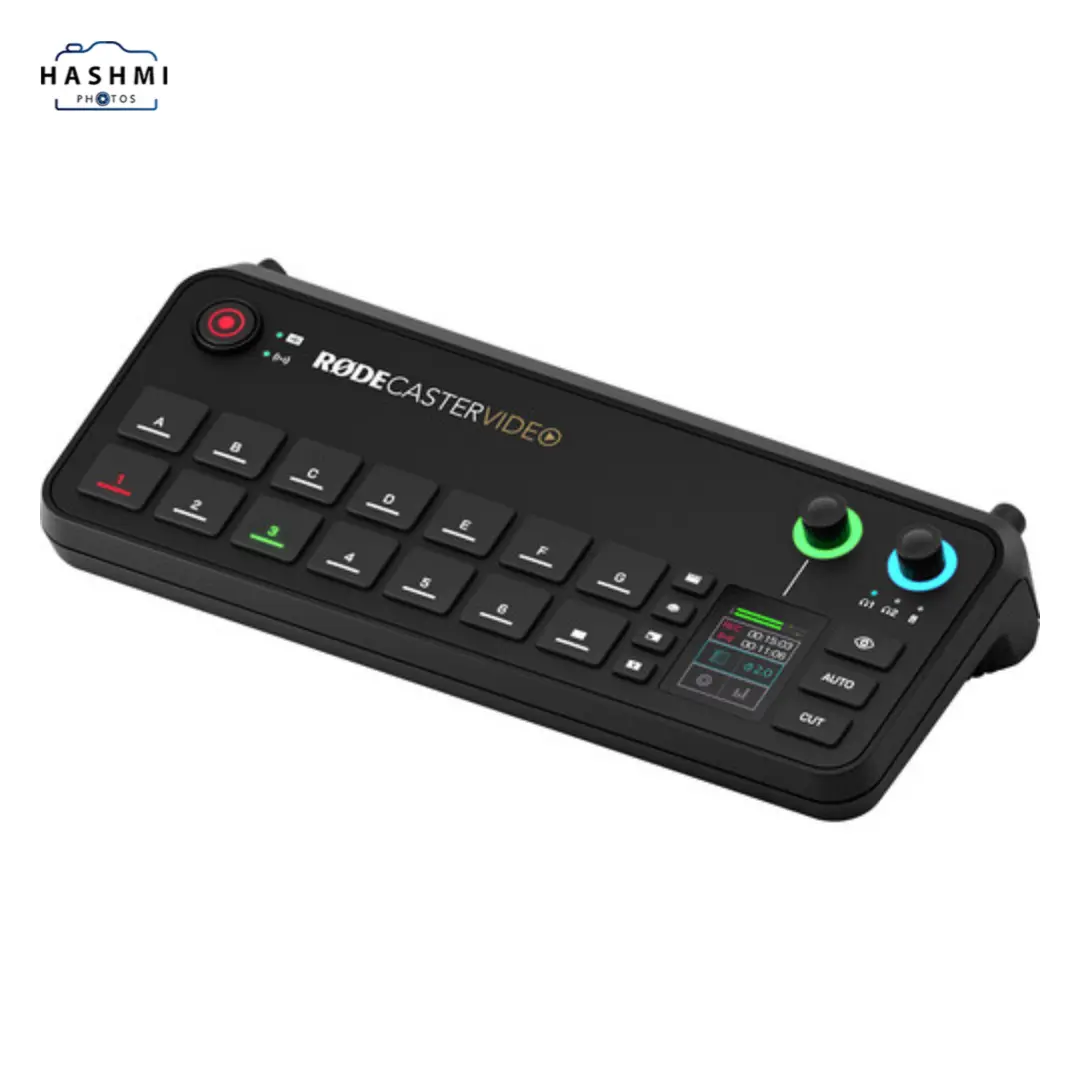
RODE Caster Video All-in-One Production Console
Call for price
Switcher with Integrated Audio Mixer
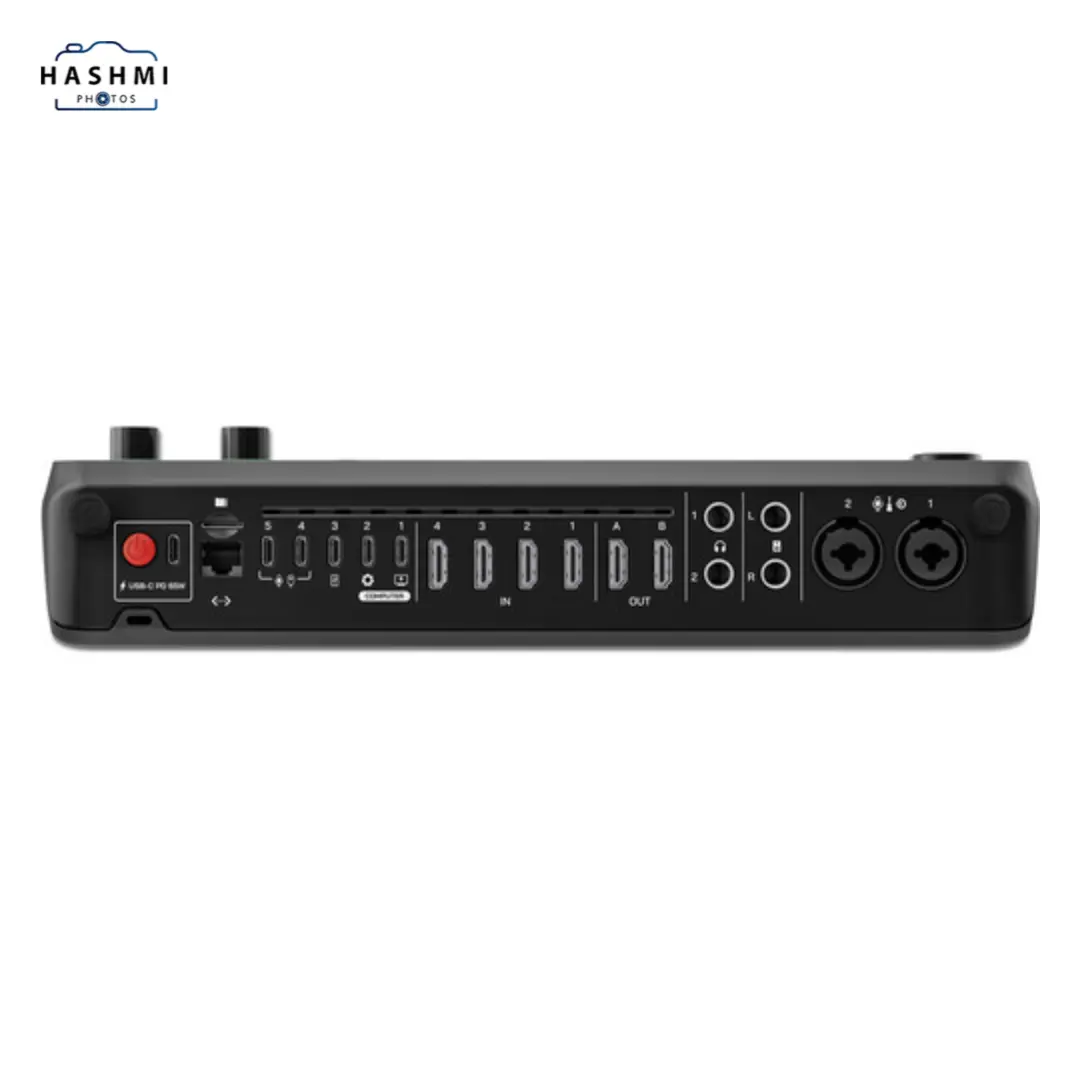
4 x HDMI & 2 x USB-C Inputs
Supports up to 1080p60
RTMP Streaming via Ethernet or Wi-Fi
20 x Audio Sources, 9 x Stereo Channels
9 x Mix/Effect Layers
Digital USB Audio Ports
2 x Combo XLR-1/4″, High-Gain Preamps
Aphex VoxLab Audio Processing
Bluetooth 5.3 and Wi-Fi 6 Connectivity
Related Products



RODE Caster Video Overview
RODE Caster Video: The Ultimate All-in-One Production Console for Streamers and Creators
In today’s digital world, content creators need powerful tools that simplify video production while maintaining top-notch quality. Designed to meet this demand, the RODE Caster Video provides an advanced all-in-one solution for video switching, audio mixing, and seamless streaming. Whether you’re live streaming, podcasting, or producing professional social media content, this versatile console ensures everything runs smoothly, with both video and audio synced to perfection.
A Game-Changer for Video Production and Streaming
The RODE Caster Video sets itself apart by combining cutting-edge video switching capabilities with the studio-grade audio control RODE is known for. Designed to cater to multiple production needs—be it live streaming, social media content creation, or podcasting—this console delivers an intuitive experience that simplifies complex workflows. With its 2-inch touchscreen, rotary encoder, and user-friendly control interface, the RODE Caster Video empowers creators to manage video and audio sources efficiently.
This versatile tool accommodates a wide range of devices, offering HDMI and USB-C inputs for video and audio, ensuring seamless integration with your existing gear. With the ability to support up to 20 audio sources or 9 stereo channels simultaneously, the RODE Caster Video has plenty of flexibility to handle both wired and wireless inputs.
An intuitive video interface for seamless control.
One of the RODE Caster Video’s standout features is its nine mix-effect layers, which allow for dynamic scene creation. You can preview and program views simultaneously, providing a smooth transition between inputs. The downstream keyers and chroma keyers enable creative overlays and background replacements, while media players support simultaneous playback of MP4 videos, images, or audio files.
The multiview interface is particularly useful for live producers, displaying a complete overview of all inputs, audio mixer status, and network settings. The non-destructive setup allows users to configure scenes and settings without interrupting ongoing productions, ensuring a flawless workflow.
Switch between six video sources, including 4 HDMI and 2 USB-C inputs, all supporting 1080p60 resolution. This allows for creating up to seven complex scenes layered with video, media, and graphics. The two HDMI outputs enable connection to external displays, so you can monitor both preview and program feeds with ease.
Studio-Grade Audio for Superior Sound Quality
The audio capabilities of the RODE Caster Video are equally impressive. Featuring two studio-grade combo XLR-1/4″ inputs equipped with high-gain preamps, the console ensures clean and professional sound quality. The Aphex VoxLab audio processing suite further enhances your audio, offering tools like EQ, compressor, noise gate, and de-esser, along with specialized effects like the Aural Exciter and Big Bottom. This comprehensive audio toolkit ensures every audio source comes through crisp and clear, whether you’re using microphones, instruments, or other inputs.
In addition to its wired inputs, the RODECaster Video also includes internal wireless receivers, compatible with RODE’s Wireless GO II and Wireless PRO microphones. The USB-C ports facilitate integration with RODE USB microphones and other production equipment, making it simple to create a fully connected ecosystem for your production needs.
Smart switching and streaming capabilities
One of the RODECaster Video’s standout features is its intelligent auto-switching. It’s perfect for live interviews or panel discussions since it switches video sources automatically based on audio cues. A skilled technical director would switch from one video source to another based on audio levels.
For those involved in live streaming, the RODECaster Video supports RTMP streaming to major platforms like YouTube, Twitch, and Facebook Live. You can stream directly via Wi-Fi 6 or an Ethernet connection, offering real-time signal health monitoring through the multiview interface. Recording is just as seamless, with the option to record directly to external USB storage. The system also supports ISO recording, allowing you to capture isolated audio tracks for easier post-production.
RODE Central Software provides enhanced control.
To take full advantage of the RODECaster Video, the RODE Central software is a must-have. Compatible with both macOS and Windows, this companion software gives you advanced control over scene creation, audio mixing, and switching configurations. With the software’s custom scene builder, users can construct tailor-made setups for different types of production. You can even configure automatic scene switching based on audio inputs, making the production process even smoother.
Conclusion: Elevate Your Content with the RODE Caster Video
The RODE Caster Video is a robust and versatile tool for any content creator looking to streamline their production process. By blending high-definition video switching with studio-quality audio control, this all-in-one console is the perfect solution for streamers, podcasters, and live event producers. Whether you’re broadcasting live or creating pre-recorded content, the RODECaster Video will give your production the professional edge it needs.
With intuitive controls, advanced connectivity, and intelligent features like auto-switching and RTMP streaming, the RODECaster Video offers everything a modern content creator could need in one compact, powerful package.
Here are some frequently asked questions (FAQs) related to the RODE Caster video:
1. What is the RODE Caster video used for?
The Rode caster Video is an all-in-one production console designed for live streaming, podcasting, social media content creation, and live events. It combines HD video switching with studio-quality audio control, making it ideal for content creators who want professional-quality video and sound.
2. How many video inputs does RODE Caster Video support?
The Rodecaster Video supports up to six video sources, including four HDMI inputs and two USB-C inputs. All inputs support up to 1080p60 resolution, allowing for high-definition video switching.
3. Can I connect multiple audio sources to the RODE Caster Video?
Yes, the RODECaster Video can handle up to 20 audio sources, including nine stereo channels. It supports both wired and wireless audio inputs, including microphones, instruments, and other audio devices.
4. What kind of audio processing does the RODE Caster Video offer?
The RODECaster Video features Aphex VoxLab audio processing, which includes EQ, compressor, noise gate, de-esser, aural exciter, big bottom, and compellor effects. This ensures studio-quality sound for all your productions.
5. Does the RODE Caster Video support wireless microphones?
Yes, the RODECaster Video has built-in wireless receivers that are compatible with RODE’s Wireless GO II and Wireless PRO microphones, allowing for wireless audio input directly to the console.
6. Can I use the RODECaster Video for live streaming?
Absolutely! The RODECaster Video supports RTMP streaming to major platforms like YouTube, Twitch, and Facebook Live. It offers real-time monitoring and can stream via Ethernet or Wi-Fi 6.
7. Is it possible to record video and audio simultaneously?
Yes, the RODECaster Video allows you to record video and audio directly to an external USB storage device. You can also record isolated audio tracks for post-production.
8. What is intelligent auto-switching, and how does it work?
The intelligent auto-switching feature automatically switches between video sources based on audio cues. For example, when someone starts speaking, the console detects the audio and switches to the relevant video source, providing a hands-free production experience.
9. Can I create custom scenes with the RODECaster Video?
Yes, the RODECaster Video allows you to create and save up to seven complex scenes with multiple layers of video, media, and graphics. You can recall these scenes by pressing a button, which makes scene transitions quick and easy.
10. What is the role of RODE Central software?
The RODE Central software is a companion application that provides advanced control over the RODECaster Video. It allows you to configure automatic scene switching, adjust audio mixing, and manage streaming settings. The software is compatible with macOS and Windows.
11. Can I use the RODECaster Video with other RODE products?
Yes, other RODE products like USB microphones, the RODECaster Pro II, and the Wireless GO series seamlessly integrate with the RODECaster Video.
12. Does the RODECaster Video support multiview?
Yes, the multiview feature allows you to see all live video inputs, scene thumbnails, audio mixer status, and network/storage information. This makes managing your production easier and more organized.
13. How can I connect external displays to the RODECaster Video?
You can connect external displays to the two HDMI outputs on the RODECaster Video. These displays can show either preview, program, or multiview feeds, giving you full control over your video production.
14. Can I use RODECaster Video for post-production work?
Yes, the RODECaster Video supports ISO recording, which allows you to capture isolated audio tracks for post-production. This feature gives you more flexibility in editing and mixing after the live event or recording is complete.
15. In comparison to other production consoles, what makes the RODECaster Video unique?
In one intuitive device, the RODECaster Video combines advanced HD video switching with studio-grade audio control. Its intelligent auto-switching, multiview interface, seamless integration with RODE products, and RTMP streaming capabilities make it an all-in-one solution for content creators, streamers, and event producers.
These FAQs provide a comprehensive overview of the RODECaster Video and its many capabilities.
Specification: RODE Caster Video All-in-One Production Console
|
User Reviews
Be the first to review “RODE Caster Video All-in-One Production Console”

Call for price

There are no reviews yet.